


1
Step 1
Choose how to install Throttlr
Install Throttlr from the Mac App Store, or open the signed Throttlr.pkg installer and follow the macOS prompts.
Throttlr uses Apple's Network Extension framework to monitor app traffic, limit its speed, set data quotas, or block it. macOS may ask for permission when you first start the proxy; the direct-download version may also require system extension approval in System Settings.
System requirement: macOS 15 or newer.
Install from the Mac App Store or download the signed installer directly.
Not sure which version to choose? Compare the Mac App Store and direct-download versions.
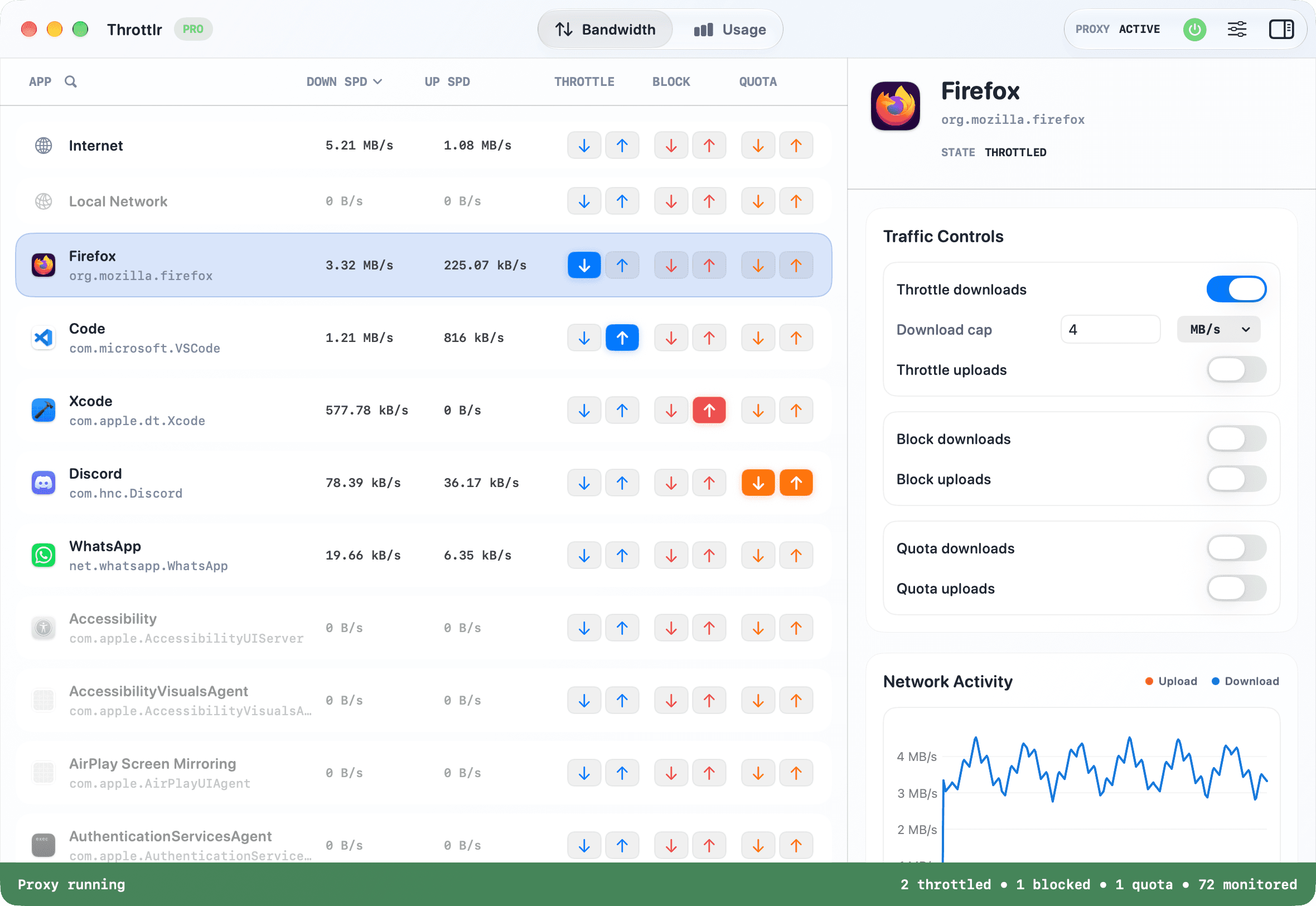
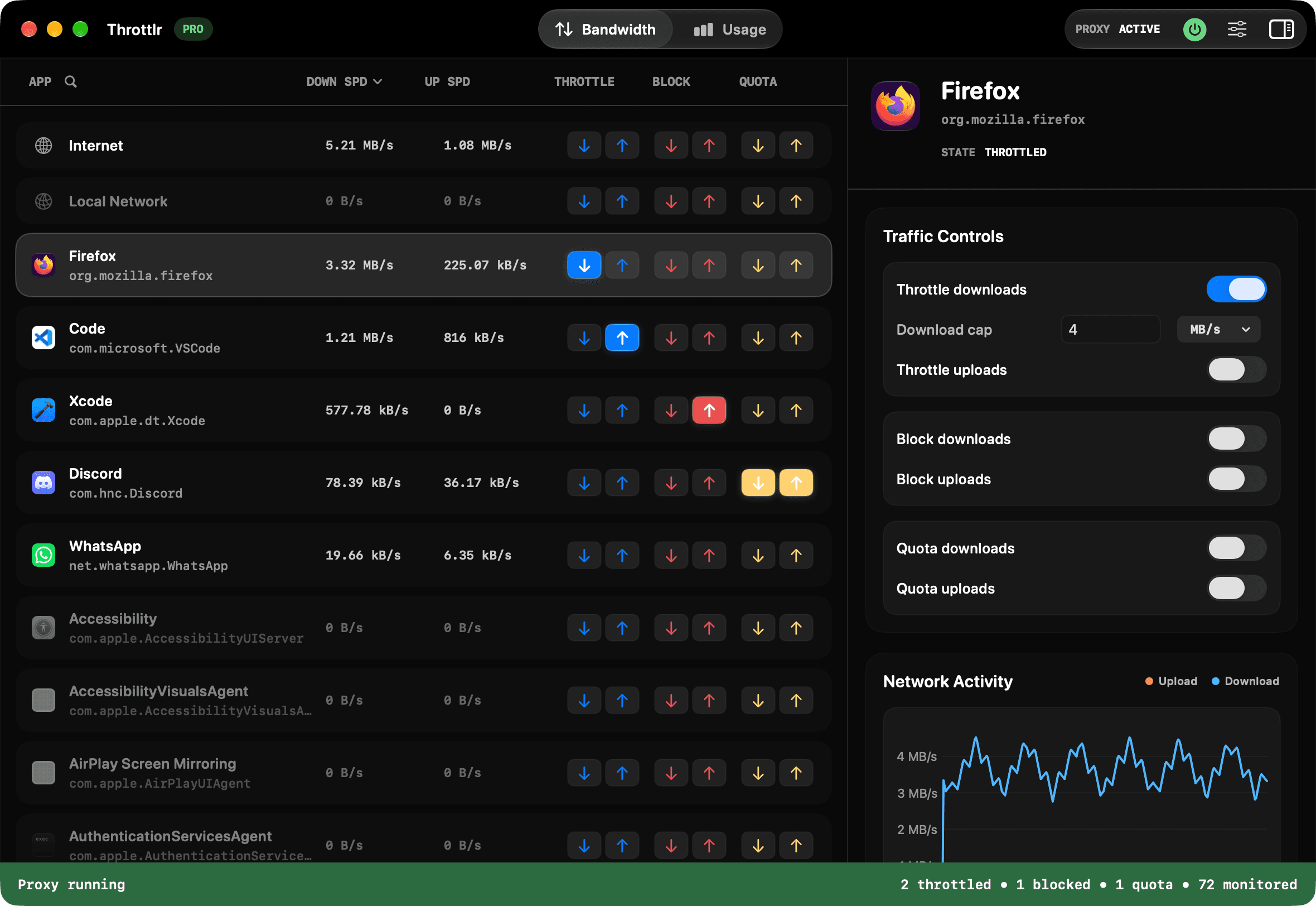
Quick setup
Step 1
Install Throttlr from the Mac App Store, or open the signed Throttlr.pkg installer and follow the macOS prompts.
Step 2
The Mac App Store version configures its bundled App Proxy extension. The direct-download version requests activation of its signed system extension.
Step 3
Follow any macOS prompt to allow Throttlr's network configuration. For the direct-download version, you may also need to allow its system extension in System Settings.